How to Choose an AI Video Model
Choose an AI video model by shot type, duration, resolution, audio, and the way you want to direct motion.
 Video Lite Editorial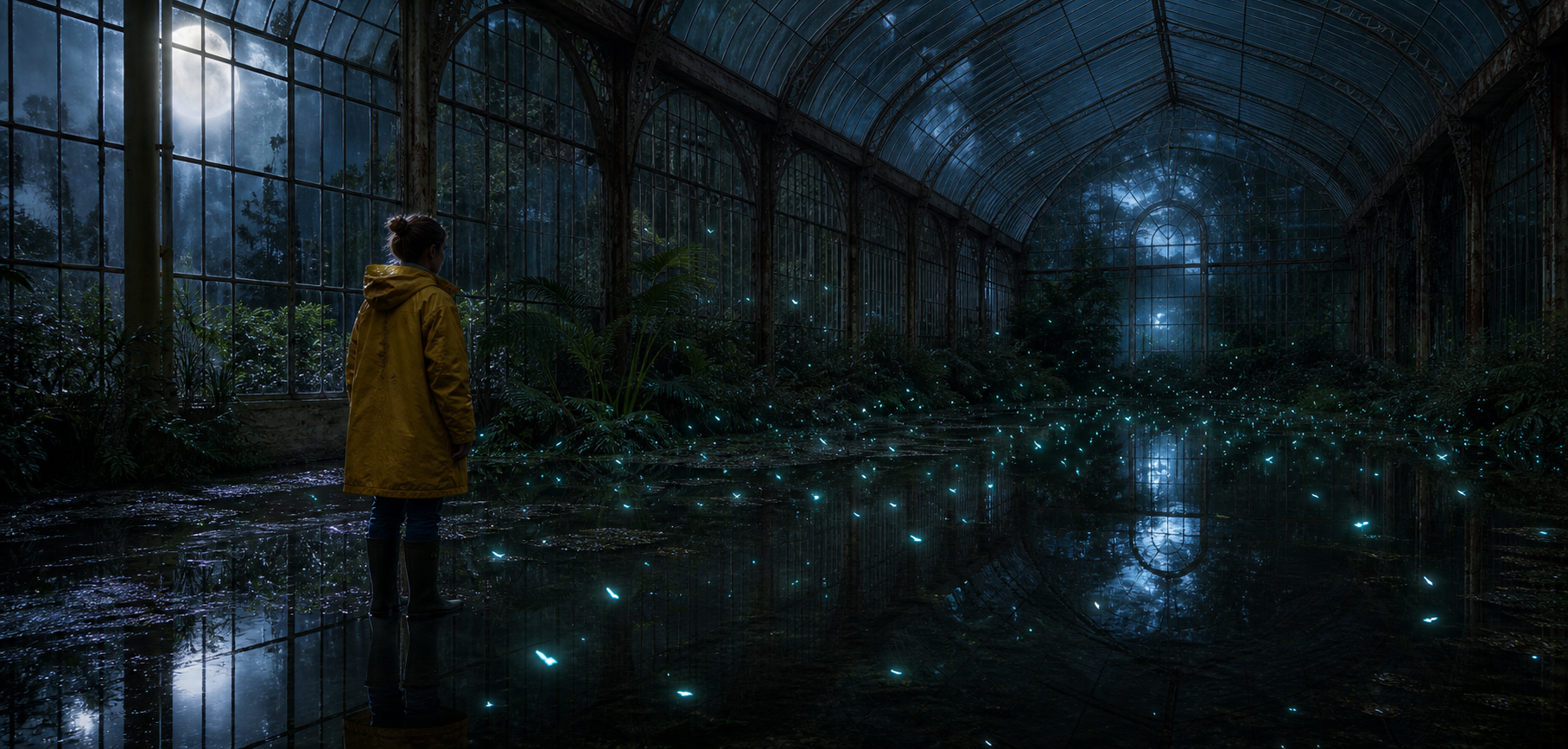
The best AI video model is not the one with the longest feature list. It is the one whose controls already match the shot you want to make. Decide the delivery format, duration, and source material first; then choose from the models available in the generator.
Video Lite supports multiple AI video models in one workflow, so you can change direction without rebuilding the prompt or moving your references to another tool.
Start with the shot requirements
Before choosing a model, write down the constraints that cannot change:
- Duration — decide whether the edit needs a fixed clip length or room to explore.
- Resolution — test motion efficiently, then move to the resolution required for delivery.
- Audio — choose an audio-capable model only when sound needs to be generated with the picture.
- Aspect ratio — select the native format for the final channel instead of cropping afterward.
- Reference media — check that the model supports the first frame, last frame, image, audio, or video reference you intend to use.
The generator updates its controls for the selected model, making unsupported combinations unavailable before a render starts.
Match the model to the source material
The same prompt can produce very different results depending on the input mode:
- Text only gives the model the most freedom. Use it for exploration and establishing shots.
- First frame locks the opening composition. Use it when a character, product, or art direction must survive the first moment.
- First and last frames define a visual transition. Keep the change physically plausible for the selected duration.
- Reference image, audio, or video supplies identity, rhythm, or motion language without forcing the clip to begin on that exact frame.
Do not attach every available reference just because a model accepts it. Each reference should have one clear job.
Compare models with the same prompt
When two models both fit the delivery requirements, run the same prompt and reference material through each one. Compare the qualities that matter for the shot: camera motion, subject consistency, physical realism, expression, pacing, and sound.
Change only the model on the first comparison. If the prompt, duration, and references also change, it becomes difficult to understand which model produced the difference.
Wide shot of a glass observatory after rain. A child in a yellow coat walks slowly between glowing plants as the camera tracks at waist height. Reflections move naturally across the floor, cool blue moonlight, restrained cinematic motion.
The prompt describes one continuous event, which makes model comparisons easier to judge.
A workflow that wastes fewer generations
- Write the shot as a single visible action.
- Choose a model that supports the required input and output format.
- Test the composition at the lower practical resolution.
- Change only one variable between attempts: camera, subject motion, or timing.
- Add reference media only when identity, composition, or motion begins to drift.
- Move to the final resolution after the motion works.
The model should follow the production decision, not replace it. Open the generator, compare the available models, and direct one shot at a time.